Drive mount
You can mount your Peergos drive as a native folder in the desktop and mobile apps.
Instructions
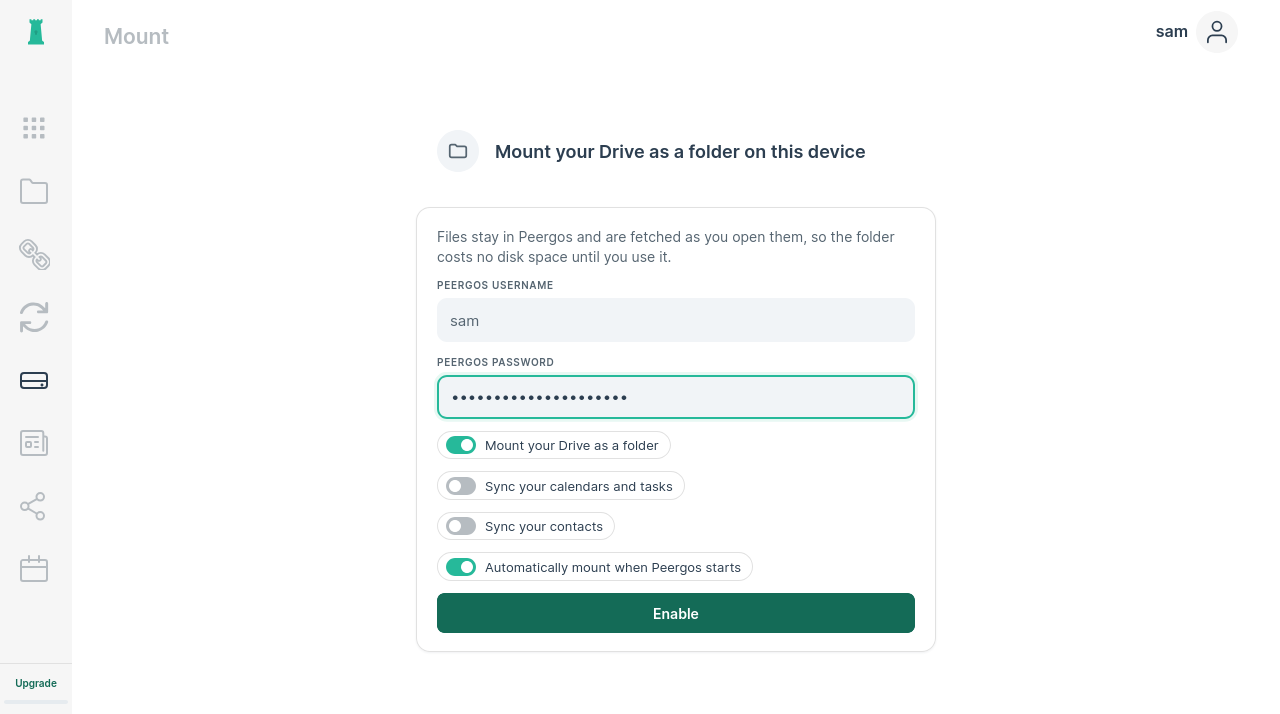
- Click on the mount icon in the left sidebar
- Enter your password and click "Enable"
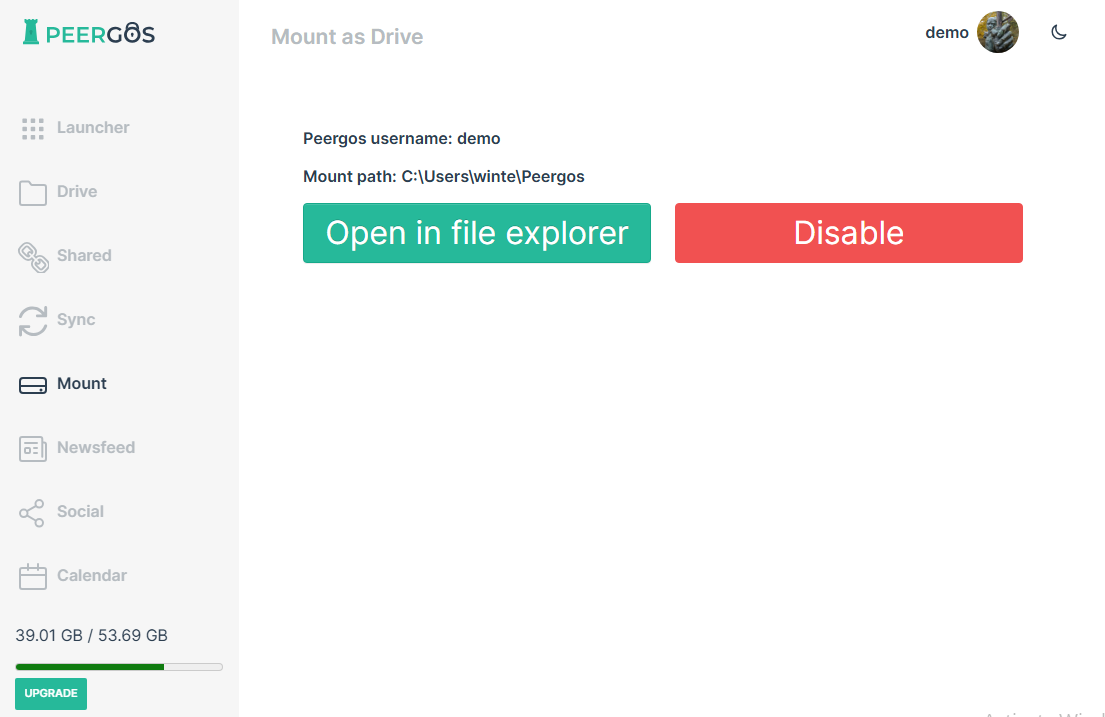
- Click "Open in file explorer" to see your Drive as a folder
Calendars and contacts on Android
On Android, the Mount page can also sync your Peergos calendars and contacts with the phone's Calendar and Contacts apps. Turn on "Sync your calendars", "Sync your contacts" or both before clicking "Enable".
What syncs, and what doesn't:
- Your Peergos calendars and contacts sync into a Peergos account of their own on the phone, and only that account is synced with Peergos.
- Calendars and contacts already on the phone, whether stored on the phone itself or in another account such as Google, aren't read, copied or changed. A contact syncs only once it's in Peergos, or saved to the Peergos account on the phone.
How syncing works:
- Changes go both ways: adding, editing or deleting an event or contact in the Peergos account on the phone does the same in Peergos, and the other way round. Android syncs them about every 30 minutes, and can wait longer to save battery. To change or delete one occurrence of a repeating event, do it in Peergos.
- If something was changed both on the phone and in Peergos before they synced, the Peergos version is kept and the phone's is saved next to it as a copy; a contact's copy is marked "(edited on this device)". Something deleted on one side and changed on the other is kept.
- Contacts you save to the Peergos account on the phone go into your first Peergos address book.
- Tasks stay in the Peergos calendar and aren't added to the phone.
- Unmounting stops the syncing. The calendars and contacts already on the phone stay there but stop updating, and your calendars and contacts in Peergos aren't changed. Anything you change or delete in those copies on the phone is sent to Peergos if you turn syncing on again.